One fixed monthly price
You pay per person, per month. Password resets, printer drama and the 4:55 pm “my laptop won't start” are all included. No hourly invoices, ever.
Managed IT for Austin offices of 5–50 people
Kestrel IT takes care of your help desk, network, backups and email security — for a fixed fee per person. When something breaks, a real person picks up, and your response time is written into your plan.

You pay per person, per month. Password resets, printer drama and the 4:55 pm “my laptop won't start” are all included. No hourly invoices, ever.
Call or email and you reach a technician in Austin who knows your office — not a phone tree, not a chatbot, not a ticket number and silence.
Every plan lists how fast we respond, by severity. If your whole office is down, you hear from us in minutes — and you know that before you ever need it.
We become your IT department: we set things up properly once, keep them patched and watched, and fix what breaks — without you having to know which cable goes where.

Unlimited remote help for everyone on your team, plus on-site visits when a screen or a person needs one.
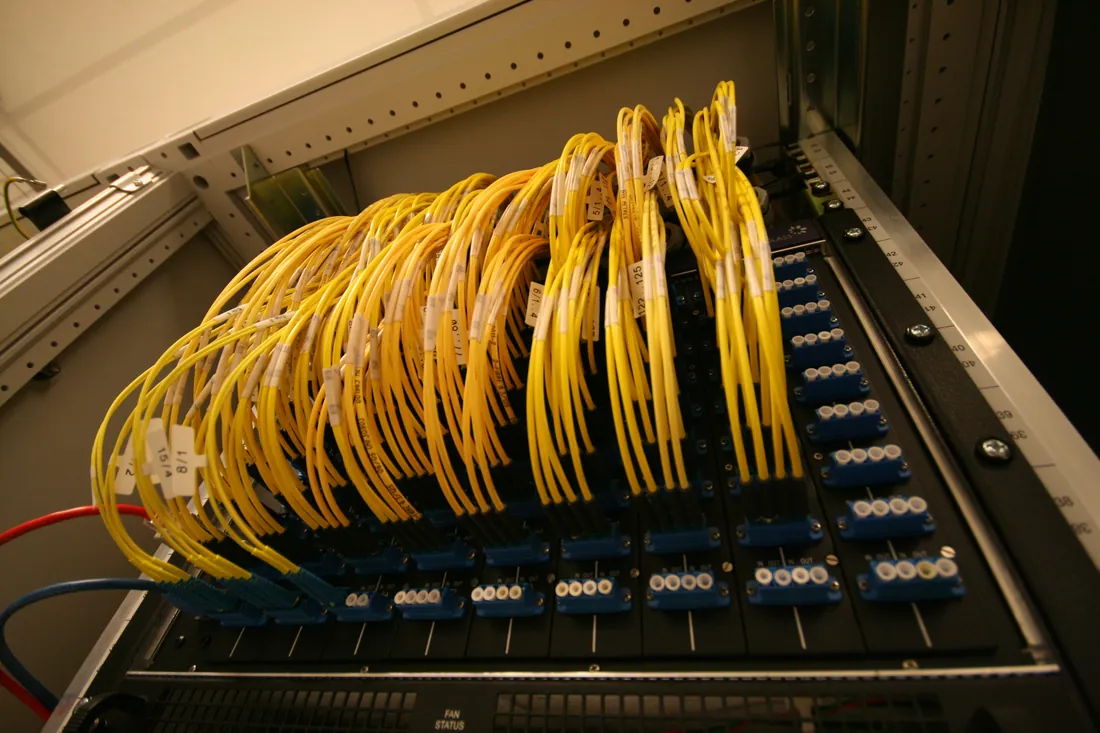
Fast, boring, reliable networks. We plan, cable and configure the office so the Wi-Fi reaches the back room and guests stay off your files.
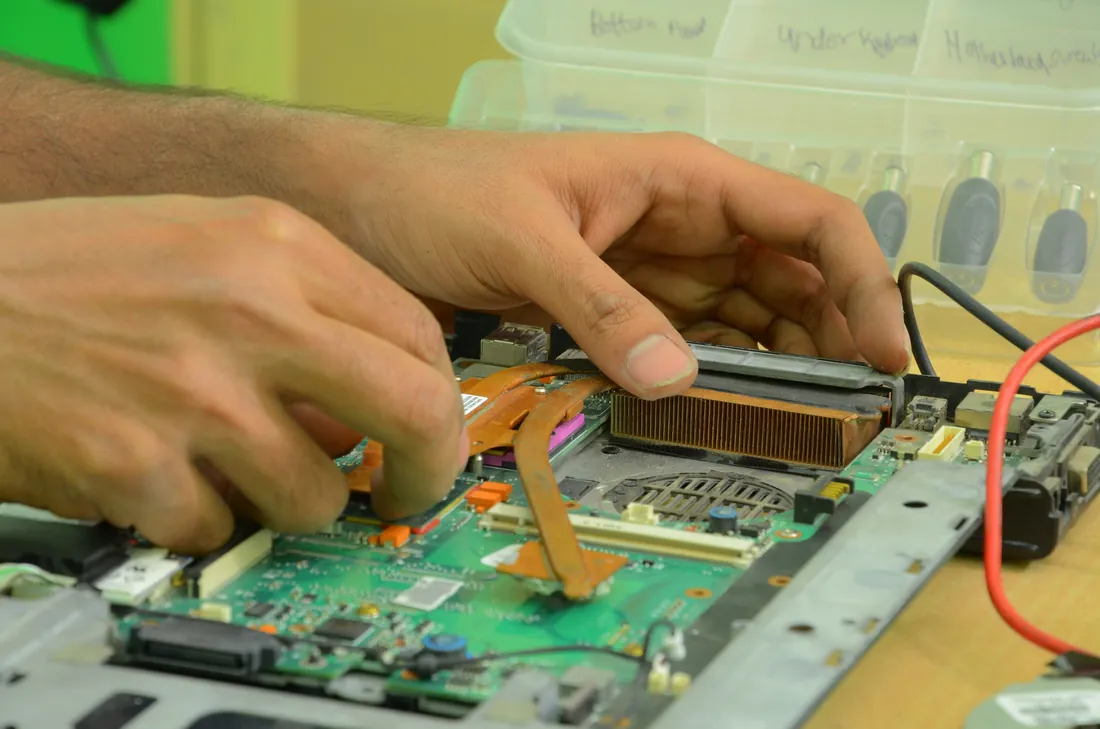
Backups only count if they restore. We back up files, email and devices every night — and test the restore, so a dead laptop is an inconvenience, not a crisis.

Most small-office breaches start in the inbox. We filter what gets in, lock down the accounts, and teach your team to spot what slips through.
Written into every plan, by severity. Sample targets · demo
| Severity | Example | We respond in |
|---|---|---|
| Critical | The whole office can't work: internet, server or email down | 15 min |
| High | One person can't work at all | 1 hour |
| Normal | Something is slow, broken or annoying | 4 hours |
| Request | New user, new laptop, a change or a question | Next day |
Switching IT providers sounds painful. It shouldn't be. Here's exactly what happens after you book the free assessment.
We ask about your team, your tools and what keeps going wrong. No sales script — just the questions an IT manager would ask.
We visit your office, list every device and account, check backups and security, and send you a plain-English report with a fixed monthly quote.
We collect the passwords, fix the urgent risks first, set up backups and monitoring, and document everything — with no surprise project invoice.
Your team calls us for anything. You get one invoice a month, a quarterly review, and a list of what we fixed before you noticed.
Pick the level of cover your office needs. Everything a plan includes is included — no call-out fees, no “that's extra”. Sample prices · demo only
Move the slider to see a monthly estimate for each plan. Sample figures for this demo — Kestrel IT is a fictional business.
For offices that mostly need someone to call.
$89/ person / month
≈ $890 / month for 10 people
Full IT department for a growing office.
$129/ person / month
≈ $1,290 / month for 10 people
For offices that handle sensitive client data.
$169/ person / month
≈ $1,690 / month for 10 people
Really. Support, fixes, on-site visits (on plans that include them) and routine changes are all covered by the monthly fee. The only extra costs are hardware you choose to buy and one-off projects like an office move — and those are quoted as a fixed price before any work starts.
A technician on our Austin team, Monday to Friday from 7am to 7pm. On the Business and Secure plans, office-down emergencies are answered 24/7. There's no phone menu and no chatbot in the way.
It depends on severity, and it's written into your plan: minutes for a critical outage, an hour when one person can't work, the same business day for everything else. You can see the full table in the Services section above.
Yes. Many small offices have a helpful person who's become the IT department by accident. We can take the load off them completely, or handle the heavy lifting — security, backups, networks — while they stay the friendly first stop.
The first 90 days cover onboarding and clean-up. After that, it's month-to-month with 30 days' notice. If you leave, we hand over every password and document — your systems belong to you.
A 30-minute call about how your office works and what's frustrating people. If it makes sense, we follow up with an on-site walk-through and a written report with a fixed monthly quote. The report is yours either way.
Austin and the surrounding metro — including Round Rock, Cedar Park, Pflugerville and Buda. Remote support works anywhere your team does.
Tell us a little about your team and pick a time that works. We'll call you for a 30-minute, no-obligation assessment.